Squad
Growth is better shared.
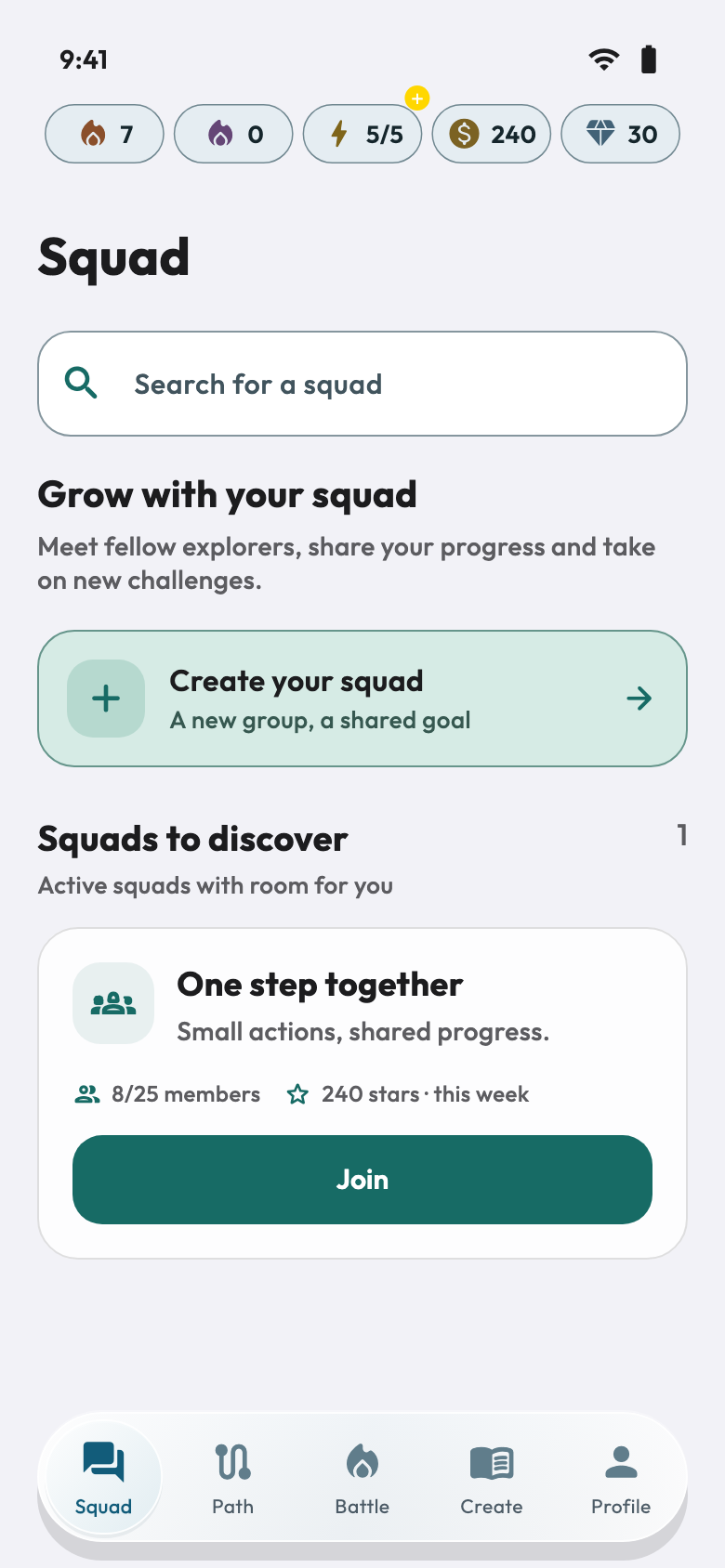
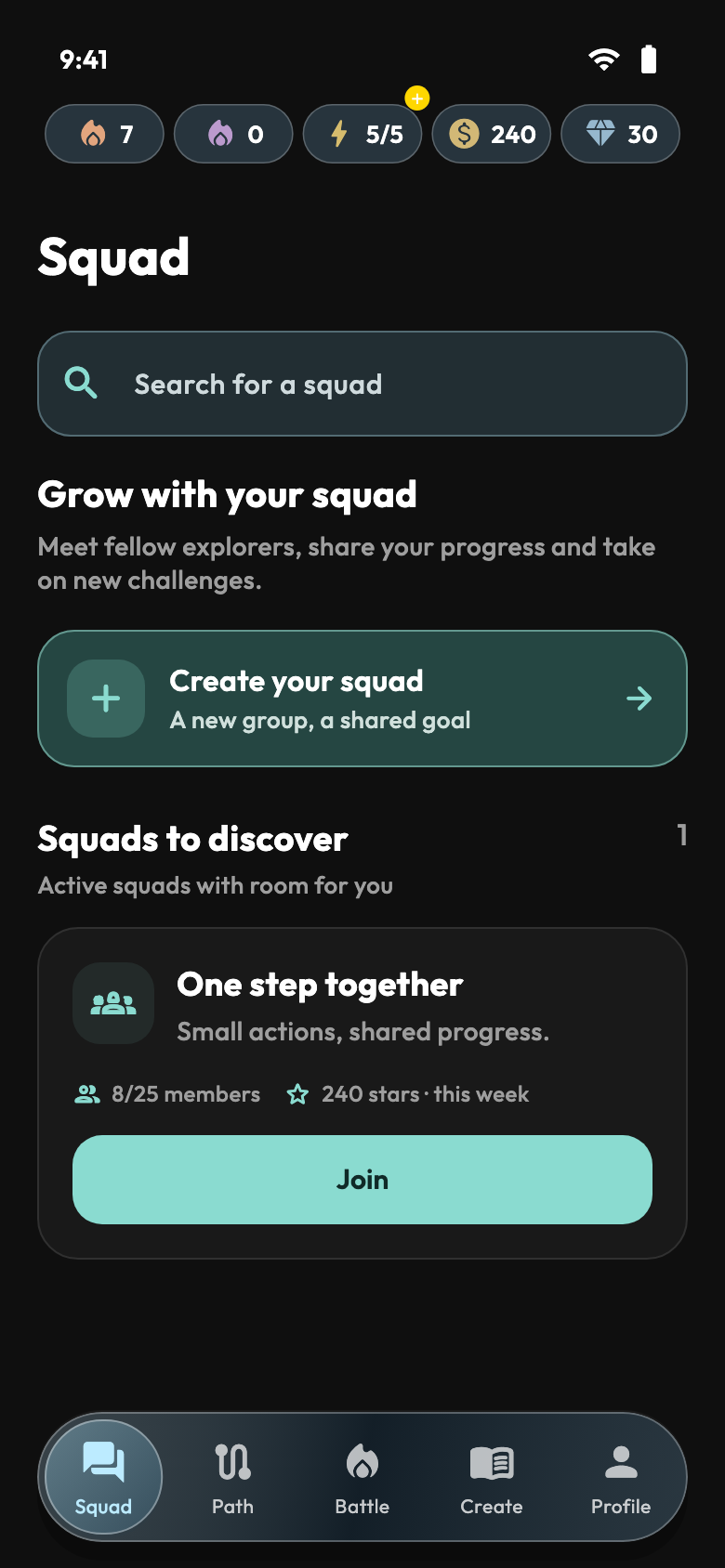
Find your squad, exchange messages and share your progress. A space to connect and take on new challenges together.
- Find or create a squad
- Share and join conversations
OneStep · MindFreedom
Choose an area of your life, follow the lessons and put them into practice with missions and Fibo, your AI assistant.
Scroll: the journey continues
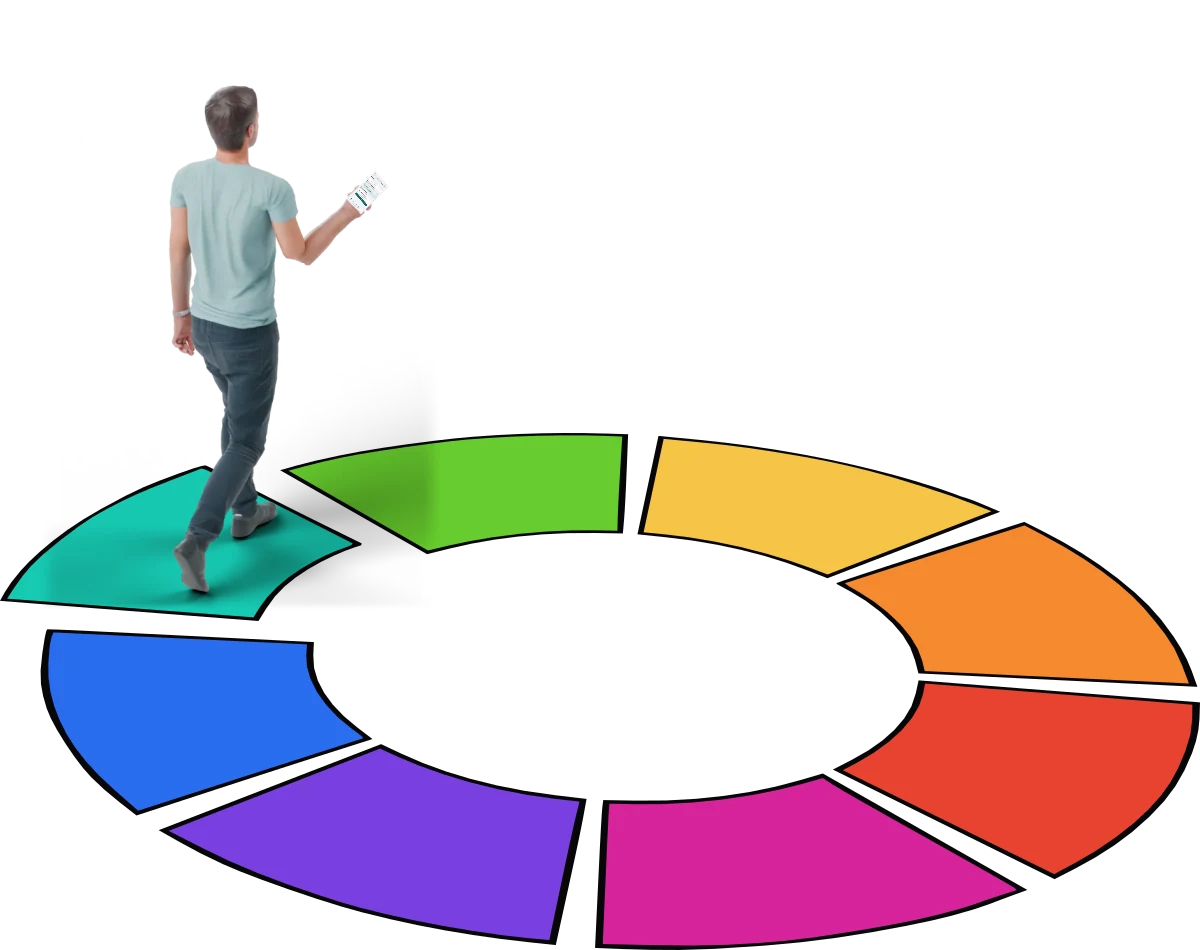
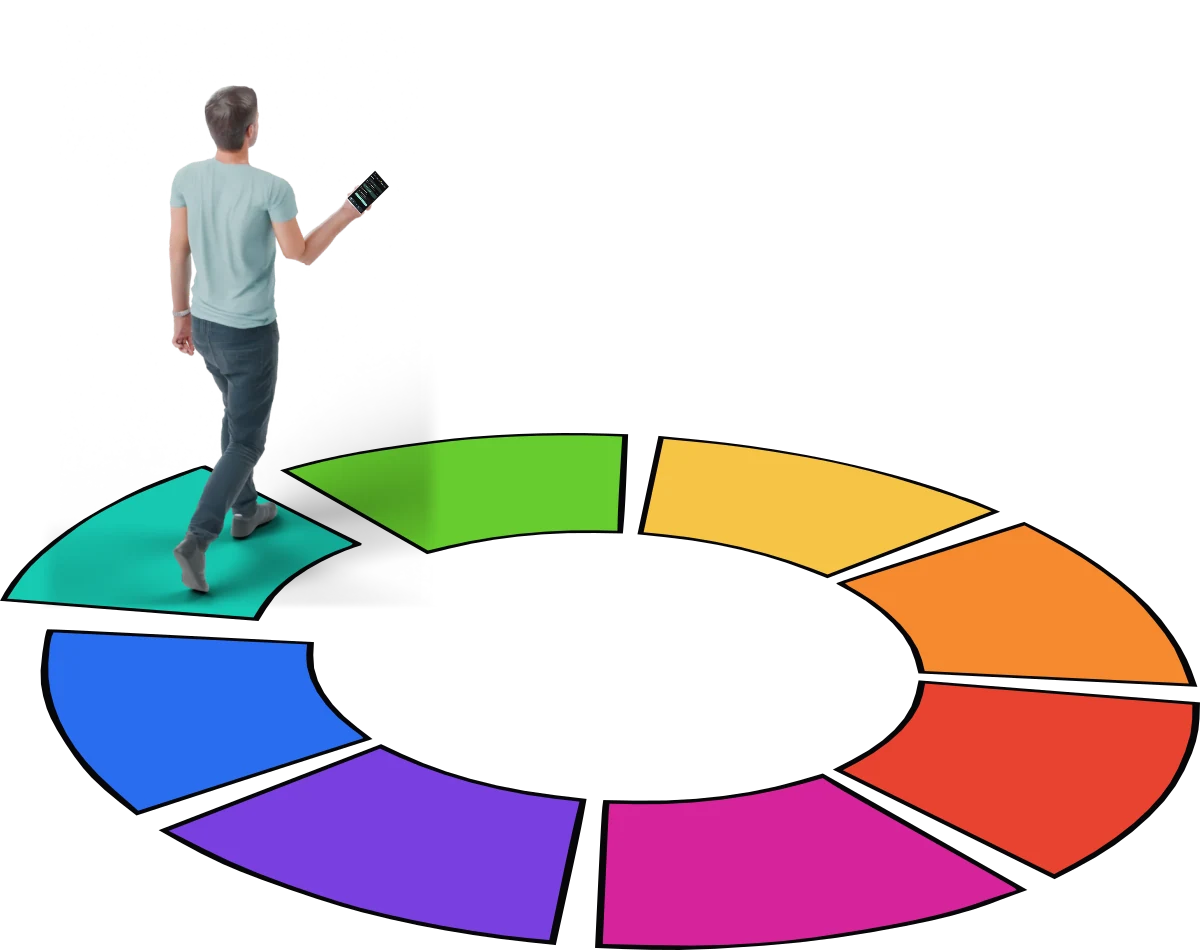
A person walks on the OneStep wheel as it opens into a colourful road. The camera approaches the phone in their hand.
Your growth,
one step at a time. Tap a section to learn more.
A small step in your life.A path,
in your hands.
Inside OneStep
Learn, test your knowledge and share your progress.
Squad
Find your squad, exchange messages and share your progress. A space to connect and take on new challenges together.
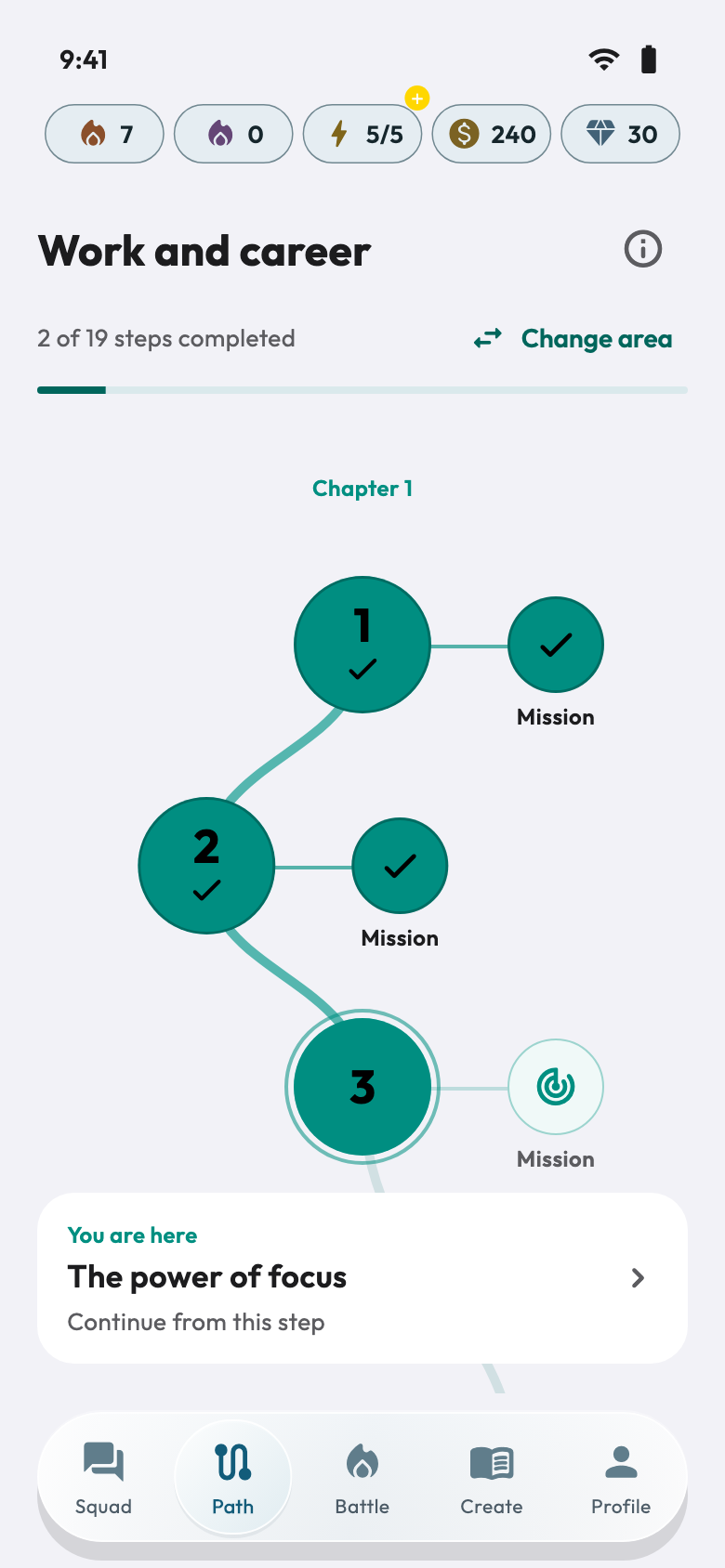
Path
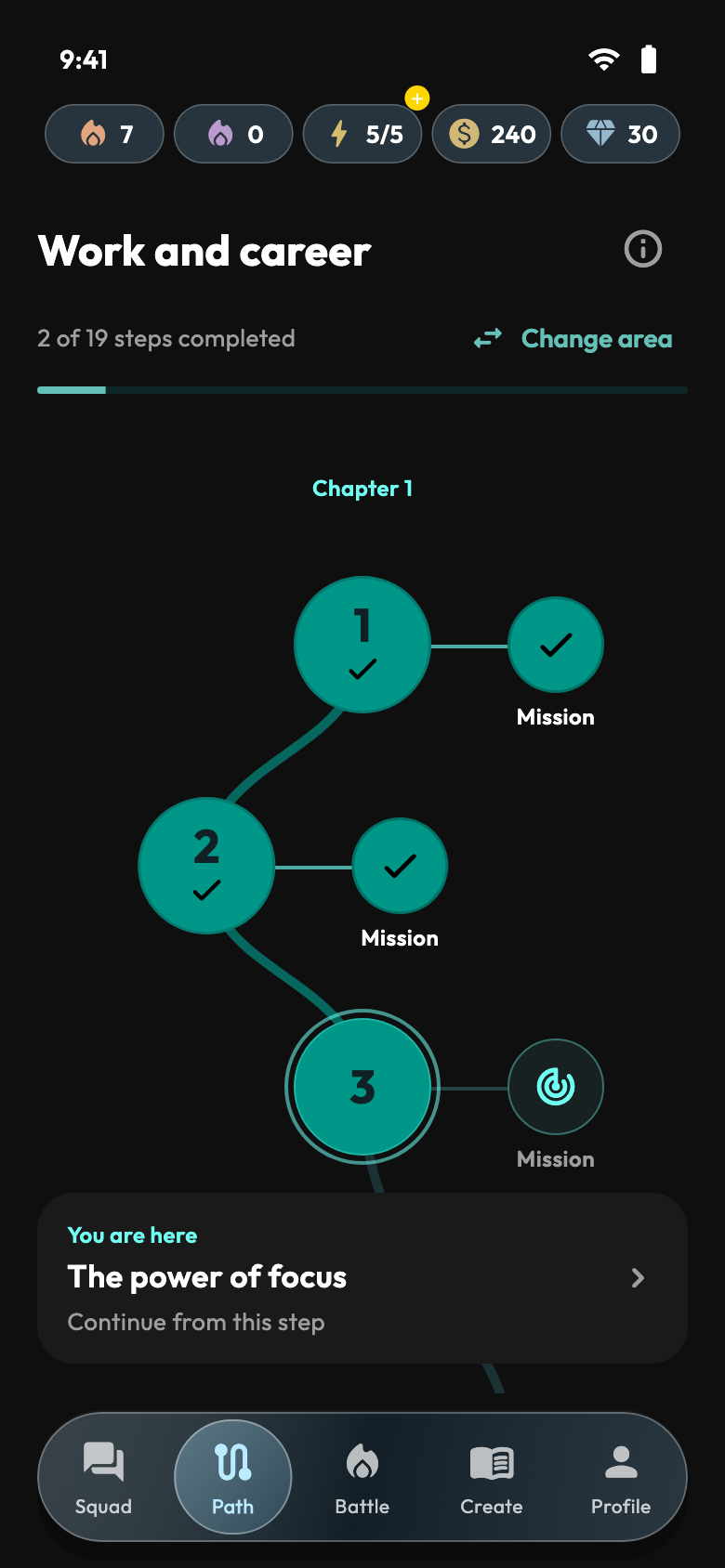
Choose an area of your life and follow the thread. Lessons, checkpoints and missions help you bring what you learn into your day.
How it works
You have 5 energy: one refills every 20 minutes.
Each wrong answer costs one energy. Out of energy? Wait, watch a short video or use 10 gems.
Fibo asks you an open question: write your answer and, after a short video, Fibo replies.
Battle
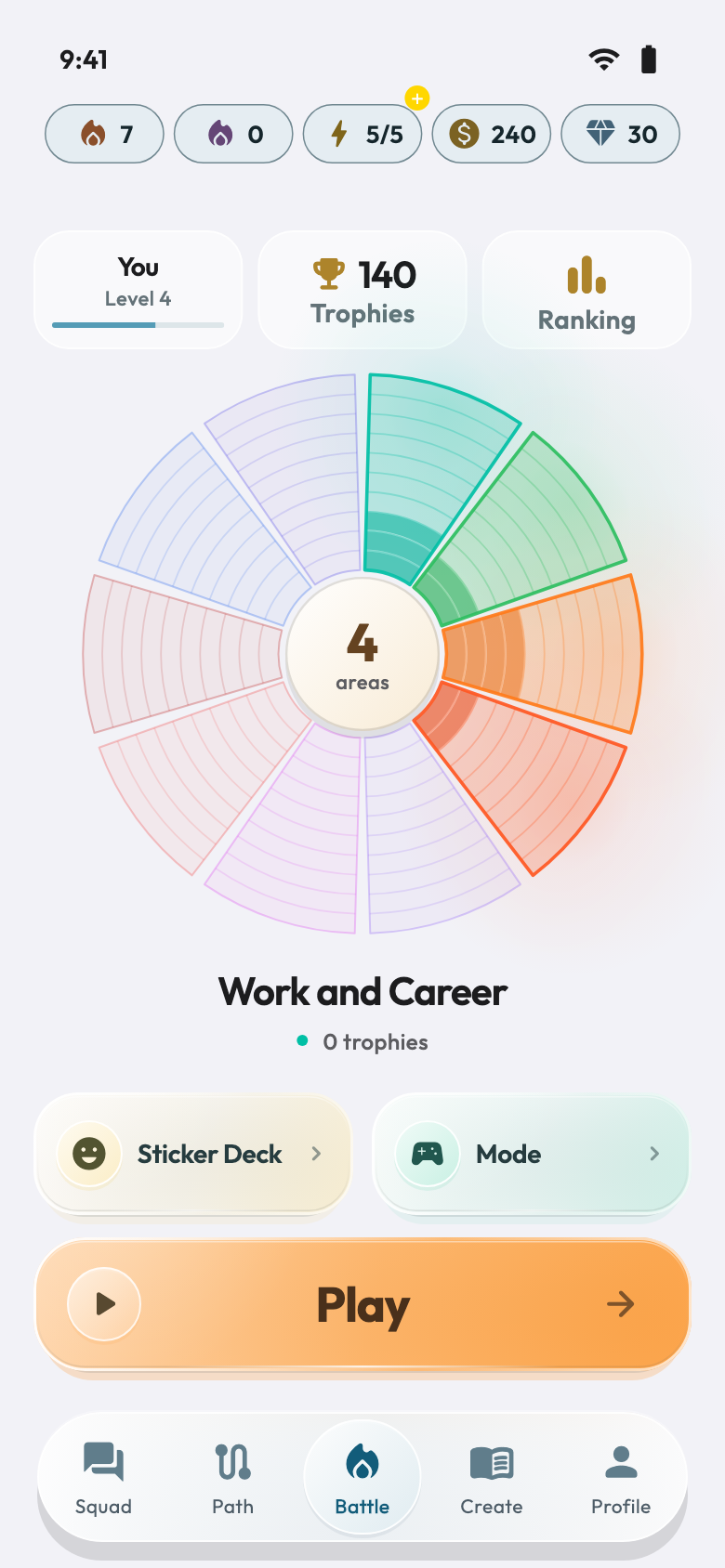
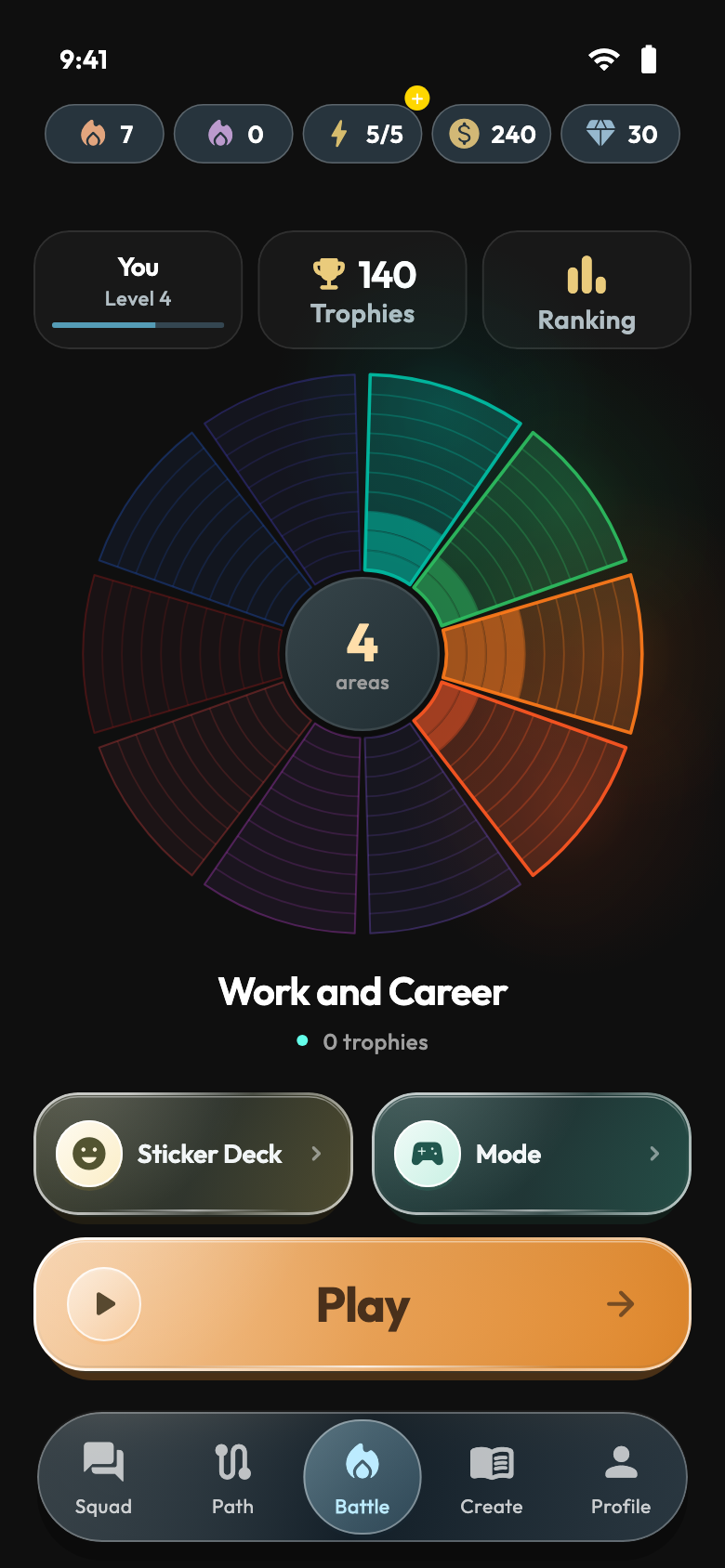
Choose your areas, explore the modes and take on Arena challenges. A different way to practise your knowledge and follow your progress.
Create
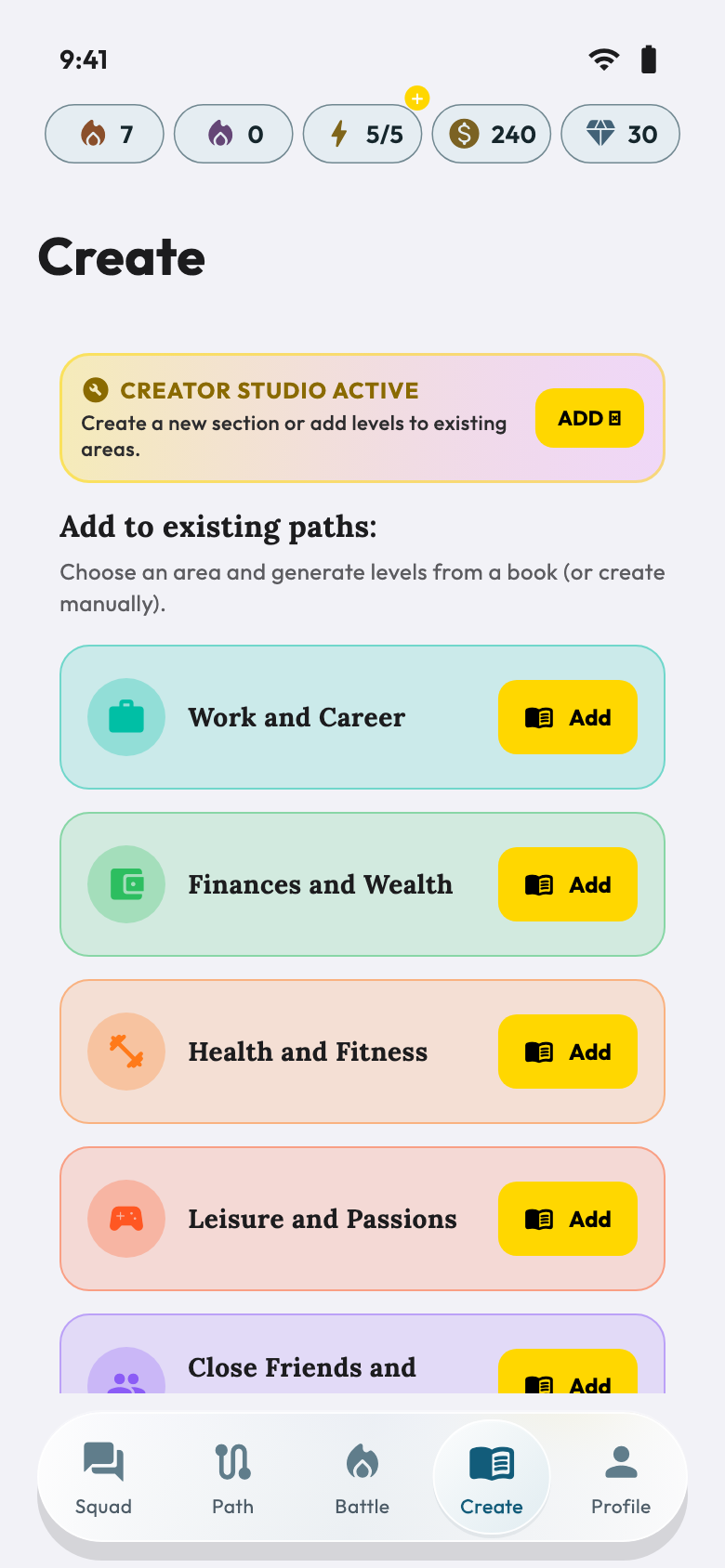
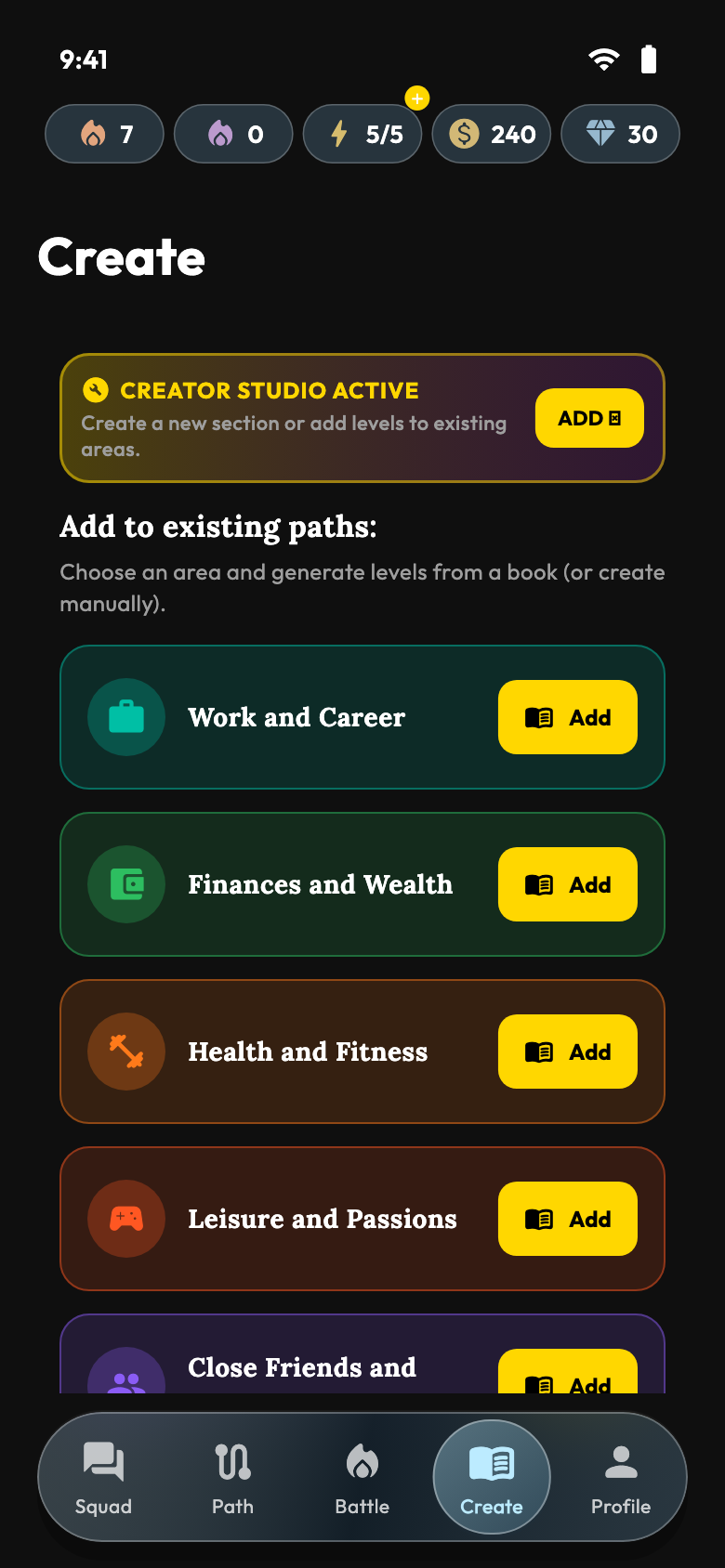
Explore the Creator space and organise new content into paths. Creation, verification and publication follow the conditions shown in the app.
Profile
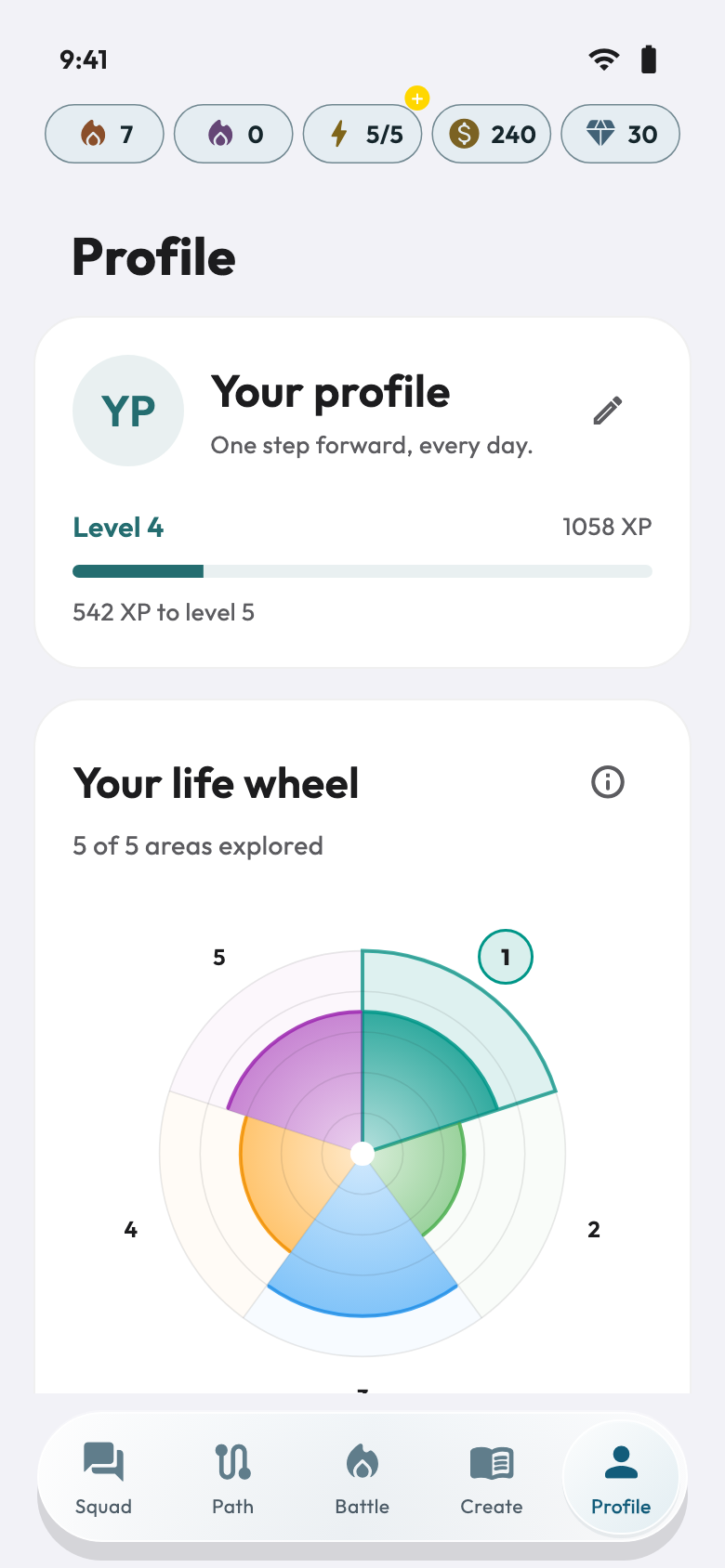
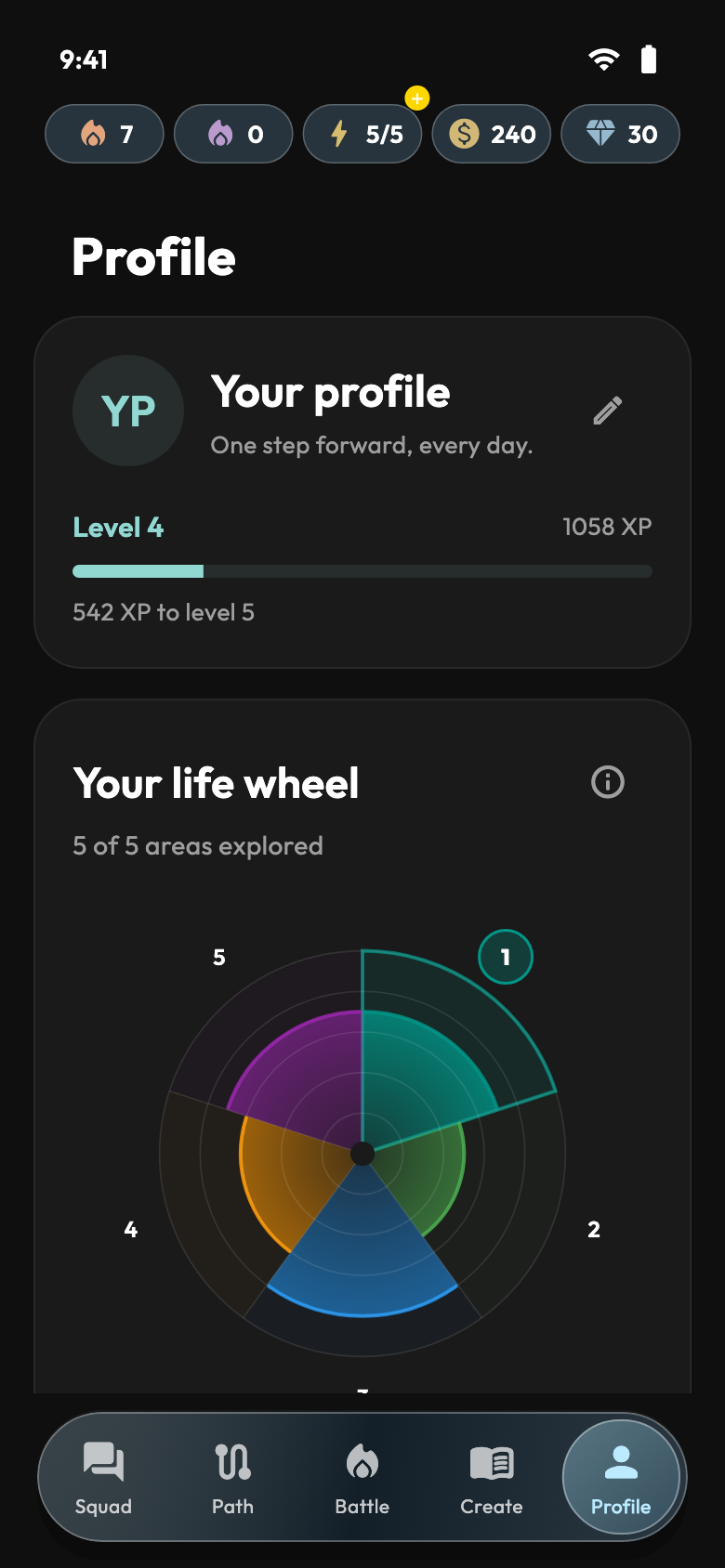
Find your areas, level and milestones in one place. See where you stand and choose what to focus on next.
Fibo
Explore a lesson, focus a reflection or pick up a conversation with Fibo.
Fibo levels
4 messages, then a short video to keep going.
More usage than the free plan.
A larger allowance to go deeper.
The highest usage allowance.
Pick and change it in the app, any time. It’s separate from Golden Pass.
Fibo is an AI and can make mistakes. Check important information; it does not replace a professional.
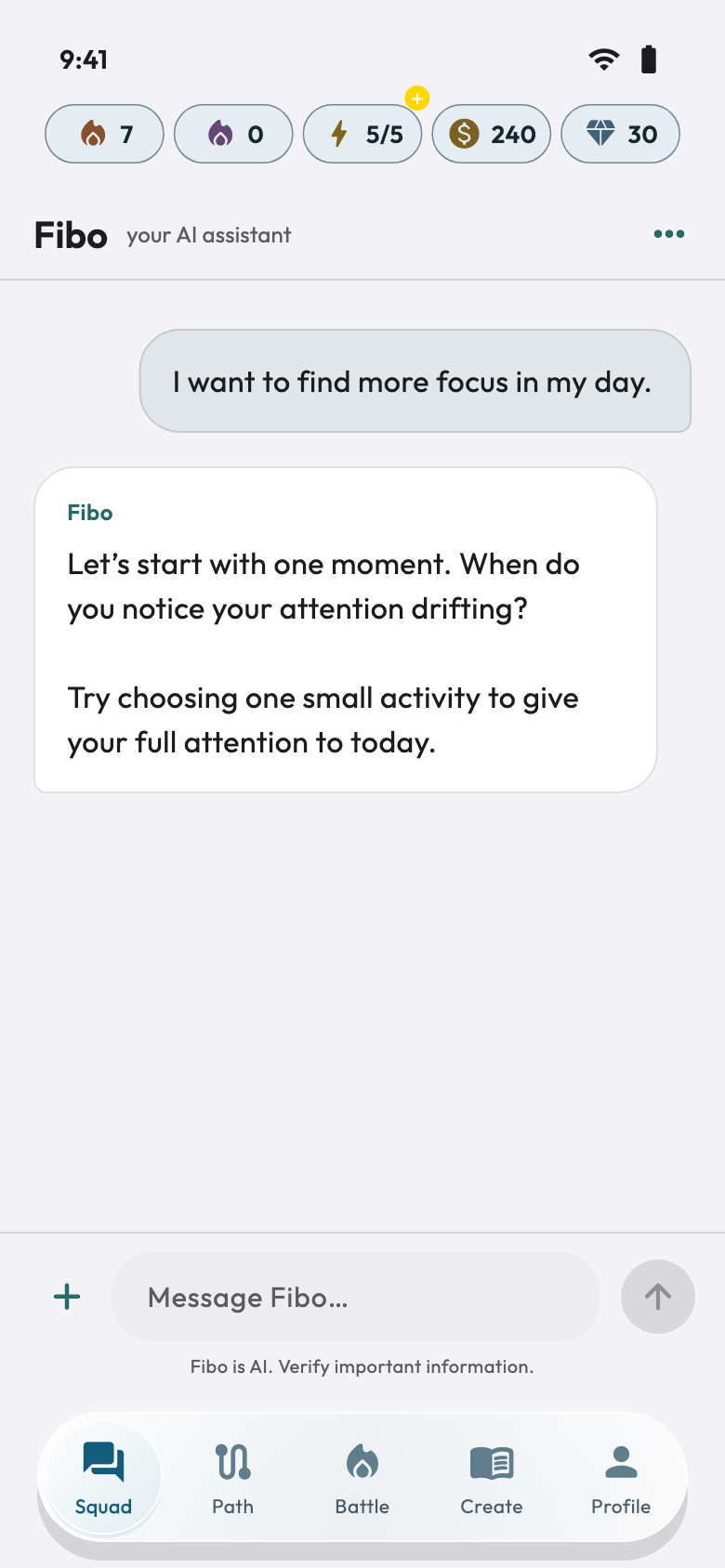
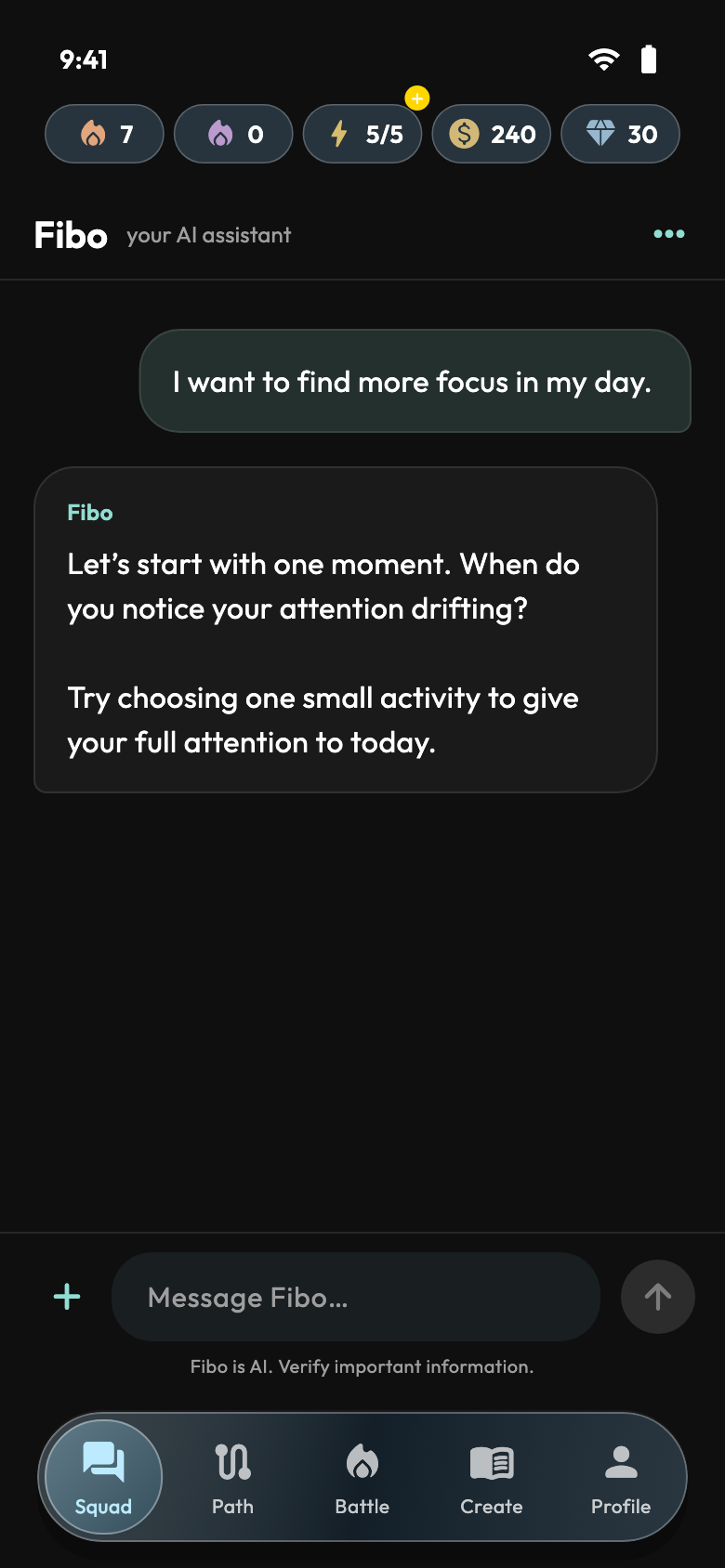
App screens with demonstration data
Plans
OneStep is free to use. Golden Pass and Fibo add different benefits: pick only what you need.
The whole Path, 5 energy that refills on its own and Fibo with 4 messages.
Keep going with no breaks and no ads.
Free gives you 4 messages, then a short video. Plus, Pro and Ultra let you talk more. It’s separate from Golden Pass.
OneStep for iPhone
OneStep is on its way. Leave your email: we’ll write at launch and keep you posted on what’s new.